

Creatives for Zoom
Customizing Your Webinar Experience with Qualistery
At Qualistery, we use Zoom to conduct our webinars, providing you with various customization options to align with your brand's identity. Here's how you can make the most of these features:
Customization Options
Landing Page Banner, Waiting Room, and Live Webinar Background:
-
- We offer the ability to customize these elements in-house. Our team will integrate your logo and speaker images to ensure a seamless brand experience.
- If you prefer to have more control over these visuals, you can design them yourself to better fit your brand voice. Simply send us the images once they're ready.
Image Specifications
To ensure the best display quality, please adhere to the following size instructions for each customizable element:
-
Waiting Room Image:
- Minimum Width: 400px
- Minimum Height: 200px
- Suggested Aspect Ratio: 2:1
Example: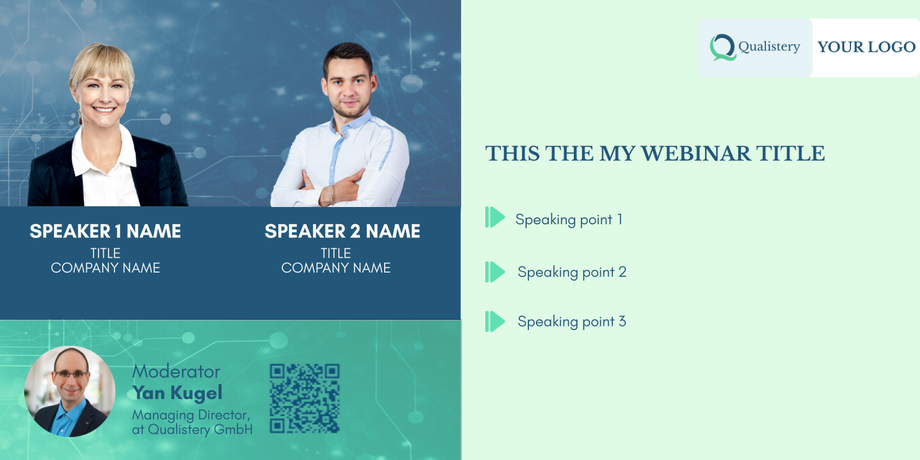
-
Session Background Image:
- Dimensions: 1920px x 1080px
- Note: Be aware that the center of this image will be covered by the presentation content.
Example:
-
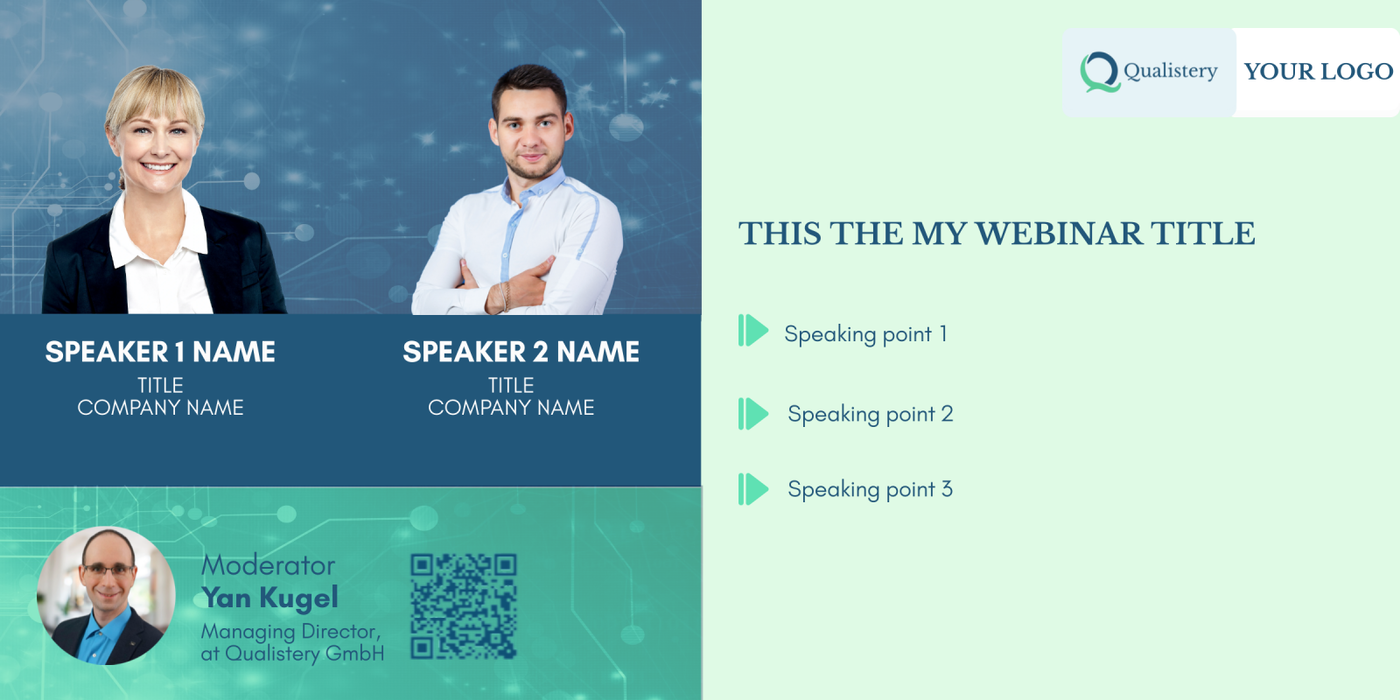
Webinar Banner:
- Dimensions: 640px x 200px
- Maximum File Size: 1024KB
- This banner will appear on the registration form and as a header in emails.
Example:

By following these guidelines, you can ensure a professional and cohesive look for your webinars, enhancing your audience's experience and reinforcing your brand's presence. If you have any questions or need assistance with the customization process, please feel free to contact our support team.